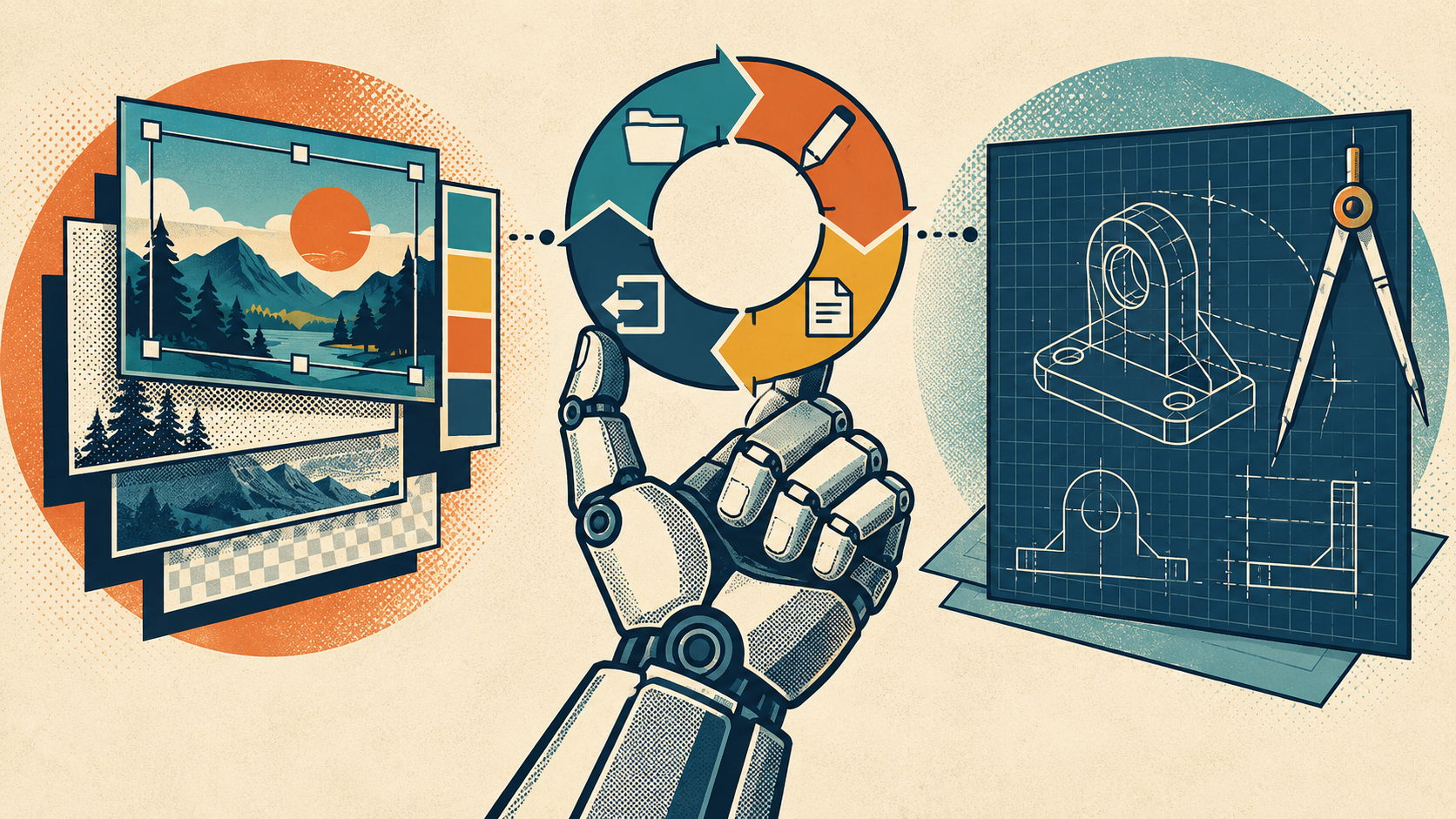
AI-built Adobe and AutoCAD alternatives are becoming a concrete software story. PhotoCraft and CADCraft show how developers are assembling independent applications around familiar creative and drafting workflows. The practical question for a designer, small studio, or maker is whether one of those applications can carry a particular job from its original file to a dependable final deliverable.
The short answer is conditional. PhotoCraft’s developers explicitly describe it as early alpha and say it is not yet a daily professional Photoshop replacement. CADCraft’s documentation warns that unsupported drawing entities are lost on save. Those limits matter more than a familiar toolbar. The examples below explain the development approaches, then offer a workflow acceptance test rather than an untested verdict on professional parity.
What does “AI-built” mean for creative and CAD software?
Two questions often get bundled together: did AI help someone develop the application, and can an AI agent operate the finished application? An editor can have an automation interface without being wholly generated by AI. Conversely, AI-assisted programming does not automatically give the resulting software generative image features or reliable autonomous operation.
There is specific evidence of AI participation in PhotoCraft’s development workflow. A maintainer issue concerning a multi-layer PSD identifies Claude Code involvement in a visual quality-assurance report. That supports a limited claim about development and testing assistance. It does not audit the entire codebase, establish how many hours were saved, or prove that a non-programmer can reproduce a professional suite.
For readers evaluating these tools, “AI-built” is useful context, but it should not become the acceptance criterion. A drawing must preserve its meaning regardless of who wrote the parser. An image export must meet the brief regardless of whether its editing command was implemented by a person, an assistant, or both.
How are these alternatives constructed?
1. Build an independent application around a document engine
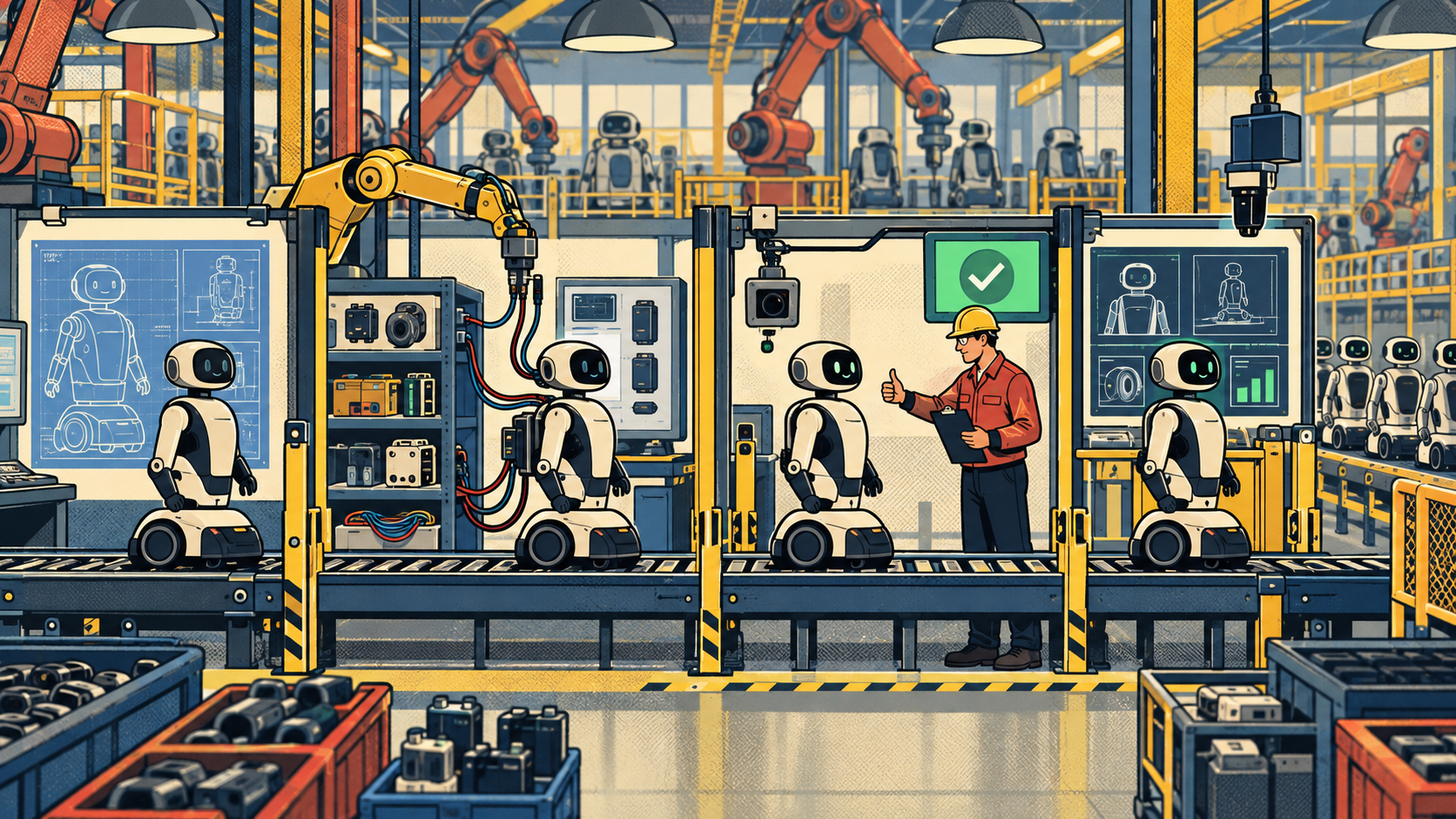
A creative application needs more than menus: it needs a representation of the document, operations that change it, a rendering path, and file handling. Separating those responsibilities gives developers smaller problems to implement and review. A file parser, for example, can be checked against sample documents separately from the layout of the editing panels.
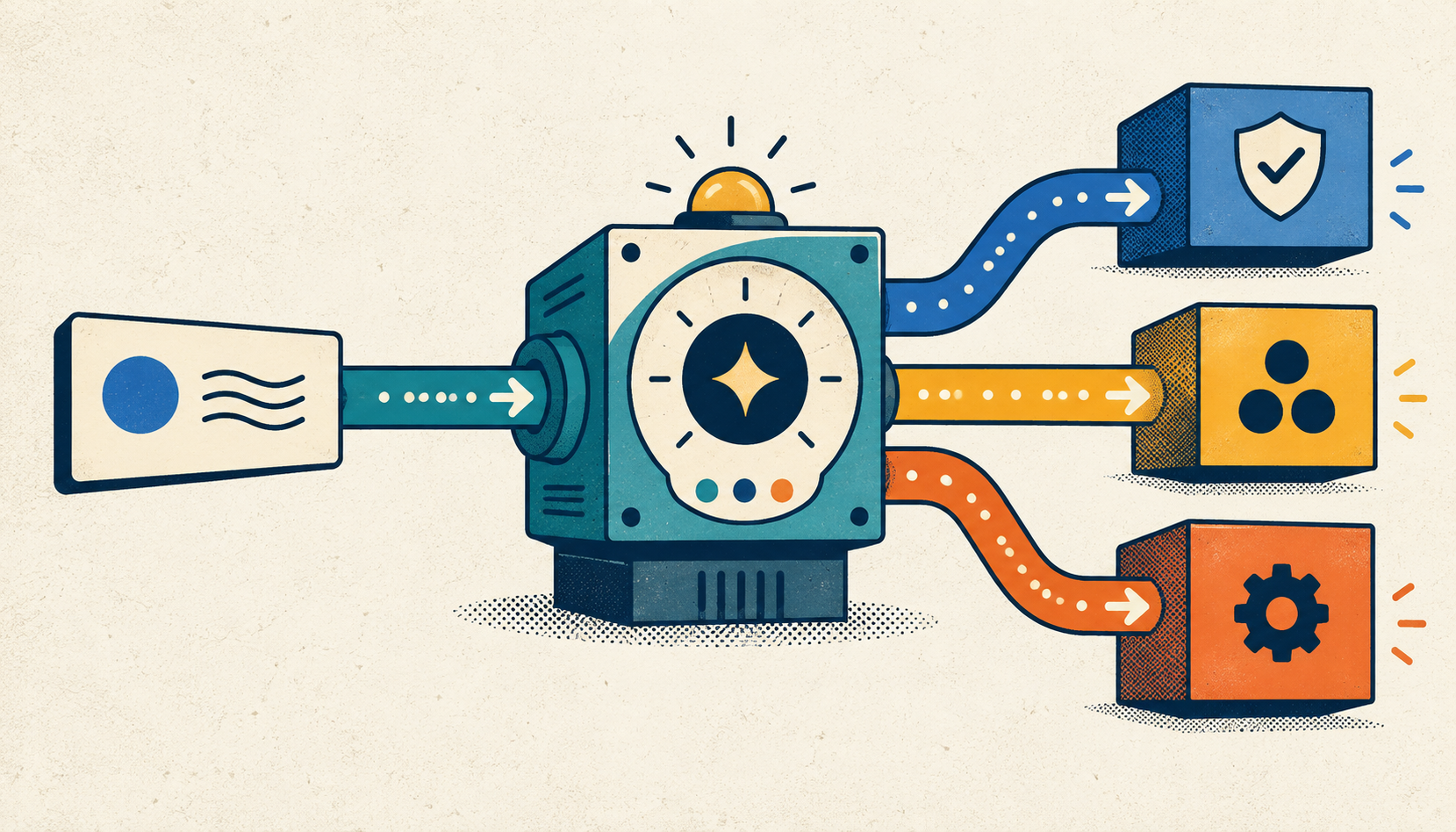
PhotoCraft’s repository describes a Rust application with a shared command engine accessible through its interface, command line, JSON control channel, and Model Context Protocol (MCP) server. Its layered PSD support connects that engine to existing Photoshop documents. This architecture illustrates how interactive editing and automation can share operations; it does not establish identical results across every Photoshop workflow.
2. Assemble a focused tool on an existing modeling library
The alternative to recreating a large application is to define one useful job. A hypothetical workshop tool might expose dimensions for a repeatable bracket and generate a model from those inputs. Its interface could remain small because its purpose is explicit. That is a design example, not a tested product recommendation.
CadQuery’s official introduction describes a Python library for programmatic parametric modeling built on OpenCascade, with separate interface options. It provides a foundation for custom CAD tools without requiring a developer to create a geometry kernel from scratch. Reusing a modeling stack is an established approach; AI assistance changes the development workflow rather than inventing that approach.
A focused tool still needs review. Define acceptable inputs, invalid combinations, and expected outputs before expanding the interface. A small application with a clear boundary is easier to evaluate than an open-ended promise to replace everything a studio uses.
3. Make application commands available to agents
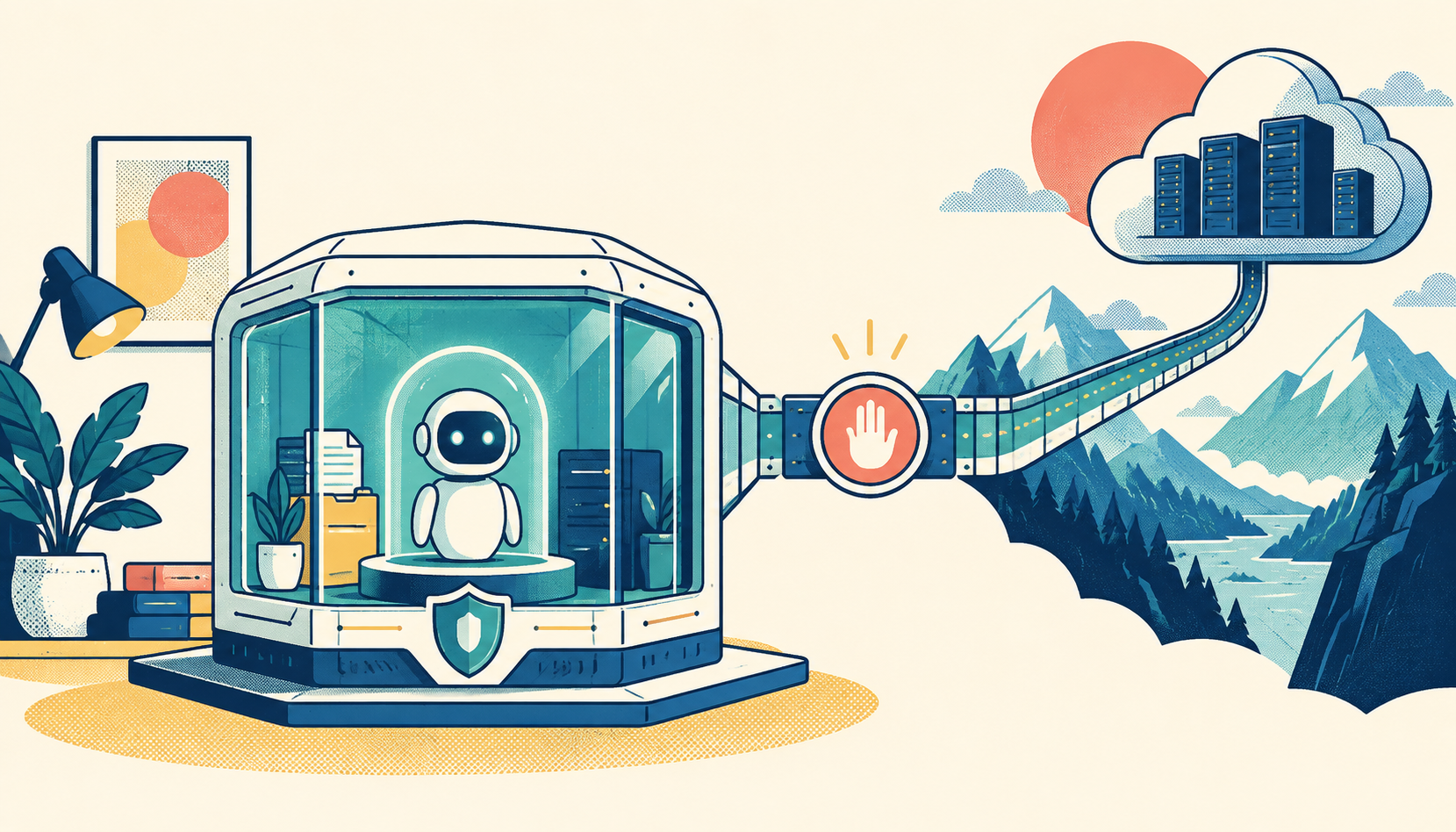
Automation introduces another layer of possibility. An application can expose editing operations to software agents rather than requiring every action to pass through mouse clicks. For an operator, the useful question is which commands can be inspected, checked, and repeated safely within a specific workflow.
CADCraft’s repository documents command-line, JSON, and MCP control for its AutoCAD-style drafting application. Treat that as an interface for attempting work, with a separate obligation to inspect the resulting drawing. A successful command response alone cannot show that the final file remains complete and usable.
Can PhotoCraft replace Photoshop?
PhotoCraft’s own answer is cautious: its early-alpha status falls short of daily professional replacement. That qualification appears in the official README, which also distinguishes available menu commands from matching behavior. Familiar controls can make exploration easier while leaving important workflow differences unresolved.
Start with a bounded trial: duplicate a representative document, perform the edits your team actually repeats, and compare the saved result with the original workflow. Check both its appearance and its editable structure. A flattened image can look convincing while leaving the next editor unable to make the required revision.
For a studio, the decisive case may be a recurring client template rather than a showcase image. Include its fonts, layer organization, export requirements, and any dependencies you normally rely on. Keep the original intact and document each discrepancy. The trial should answer whether that job can move, not whether a screenshot resembles Photoshop.
Can CADCraft replace AutoCAD?
CADCraft targets AutoCAD-style drafting and documents DXF and DWG handling. Its central qualification is explicit: entities the application does not model are not retained when saving. The repository’s file-support notes therefore make a complete open–edit–save–reopen test essential before treating it as a replacement.
A file opening successfully is only the first checkpoint. Save a copy, reopen it in the original workflow, and compare entities, annotations, units, and the intended output. If something disappears during the save, a clean-looking viewport is insufficient evidence of compatibility. Make preservation requirements explicit before testing.
Keep the product boundary clear, too. AutoCAD-style drafting is a particular category. Evidence about CADCraft does not establish a substitute for Fusion manufacturing workflows, Revit building information modeling, or Maya animation. Evaluate the application against the work it actually targets, then test the handoff your collaborators require.
How should you test whether a workflow can move?
Use representative work rather than only a small demonstration file. Include an ordinary job and a demanding one, and write down what must survive before opening either. The following matrix is a proposed evaluation method, not a report of benchmarks performed on these applications.
File fidelity
What to inspect: Open, edit, save, and reopen; compare visible content and editable structure.
Evidence to keep: Original and saved copies, plus a discrepancy list.
Document meaning
What to inspect: Inspect relevant layers, entities, fonts, dimensions, and units.
Evidence to keep: A record of preserved and missing elements.
Final output
What to inspect: Compare required exports and downstream handoffs with the existing workflow.
Evidence to keep: Deliverables reviewed against the job’s requirements.
Practical performance
What to inspect: Try realistic document sizes and repeated operations on your working hardware.
Evidence to keep: Observed delays, failures, and conditions.
Dependencies
What to inspect: Check templates, plugins, scripts, and collaborator expectations.
Evidence to keep: A list of dependencies and verified substitutes.
Recovery and upkeep
What to inspect: Check whether you can recover work and maintain the chosen version.
Evidence to keep: A recovery procedure and named maintenance owner.
Define stop conditions in advance. Losing an entity needed by a collaborator may rule out a workflow immediately. A minor interface inconvenience may be acceptable. Those decisions belong to the people responsible for the deliverable; counting menu items cannot make them.
Include the cost of migration, review, training, and upkeep in the decision. The approved evidence does not establish development token costs, universal savings, or independently measured production performance. Avoid filling those gaps with optimistic assumptions. Estimate your own effort after the trial reveals the work involved.
Choose a replacement, a companion, or a custom tool
A replacement is a reasonable goal when a defined workflow passes its acceptance checks and someone can maintain the new setup. A companion role may fit when an application is useful for a bounded operation but the final file still needs the existing tool. A custom tool may fit when a repeated modeling task has a small, stable set of inputs and outputs.
The GoKapow editorial connection is the discipline of dividing work into specific tasks and reviewing each result. Applied here, that means separating file import, editing, export, and acceptance into checkpoints with observable evidence. It is an evaluation approach, not a claim that GoKapow built or validated PhotoCraft, CADCraft, or CadQuery.
For your next trial, choose one recurring job, preserve its source file, define the required result, and run the full round trip. Expand the scope only after the result survives the checks that matter to your team.
Frequently asked questions
Does “AI-built” mean the application has generative AI features?
No. AI-assisted development and AI features inside a finished application are separate questions. Check the application’s documented capabilities rather than inferring them from its development story.
Is opening a PSD or DWG enough to prove compatibility?
No. A useful replacement must also preserve the required content after editing, saving, and reopening. Inspect editable structure and downstream output as well as the initial display.
Should a custom CAD tool replace an entire suite?
It can be scoped to one repeated modeling job. Define the inputs, outputs, and acceptance checks for that job before deciding whether broader replacement is useful.